Use the official app store where possible.
TECHNICAL HELP
IPTV Support Canada for Setup, Login and Streaming Issues
Get practical IPTV Support Canada for device setup, player apps, login errors, buffering, playlist loading and common playback problems. Start with the quick-help options below or contact support in English or French when you need personal assistance.
English & French helpDevice setup guidancePlayback troubleshooting

Support areasSetup · Login · PlaybackEnglish & French assistance
Start here
What Do You Need Help With?
Choose the issue that best matches what you see on your device.
01Device SetupInstall a compatible player and add your access details.View help →
02Login ErrorFix server URL, username, password or login-format problems.View help →
03BufferingCheck Wi-Fi, network stability, device load and playback.View help →
04Playlist Not LoadingRefresh categories and confirm account status.View help →
05App ProblemUpdate, restart or replace an unstable player.View help →
06Device CompatibilityCheck whether your hardware supports a compatible player.View help →
Before contacting support
Run These Quick Checks First
Many support requests can be resolved by checking the device, player and network in the right order.
1Restart the player appClose it completely and reopen it.
2Restart your devicePower-cycle the TV, box, phone or computer.
3Check your internetConfirm Wi-Fi or Ethernet is stable.
4Verify account detailsCheck every field exactly.
5Try another streamCheck whether the issue affects one source only.
6Update your appUse the newest official version available.
Setup support
Help Setting Up IPTV on Your Device
Install a compatible IPTV player, then match the login method inside the app to the access details you received.
Open IPTV installation guides →Xtream Codes, M3U or Portal / MAC.
Copy every field exactly as supplied.
Open several streams before finishing setup.
Login support
Fix IPTV Login and Authorization Errors
Login failures usually come from a typing mistake, the wrong login format or inactive access details.
Check the server URLDo not add spaces before or after the address.
Re-enter username and passwordCredentials may be case-sensitive.
Confirm the login formatUse the format that matches your supplied details.
Check expiryConfirm that the trial or subscription is still active.
Playback support
IPTV Buffering or Freezing?
Buffering does not always mean your internet plan is too slow. Wi-Fi stability, household traffic, device performance, the player app and individual streams can all affect playback.
Open the complete IPTV buffering fix guide →Compare your available bandwidth with the recommended streaming ranges.
Internet speed guide →Follow the full troubleshooting workflow for Wi-Fi, device, player and source problems.
Buffering fix guide →Playlist or Channels Not Loading
If the player opens but no categories appear, refresh the playlist and confirm that the access details are active and correct.
- Refresh or reload the playlist
- Restart the app
- Confirm account status
- Check your internet connection
- Try another compatible player if needed
App Missing, Slow or Unstable
Player availability and performance can vary by device model, operating system and region.
- Update the player from the official store
- Restart the app and device
- Clear cache where supported
- Check available storage
- Try another compatible player if problems continue
Compatibility support
Check Your Device Before Changing Your Plan
A subscription may be working correctly while a specific device or player causes the problem. Verify compatibility before replacing hardware.
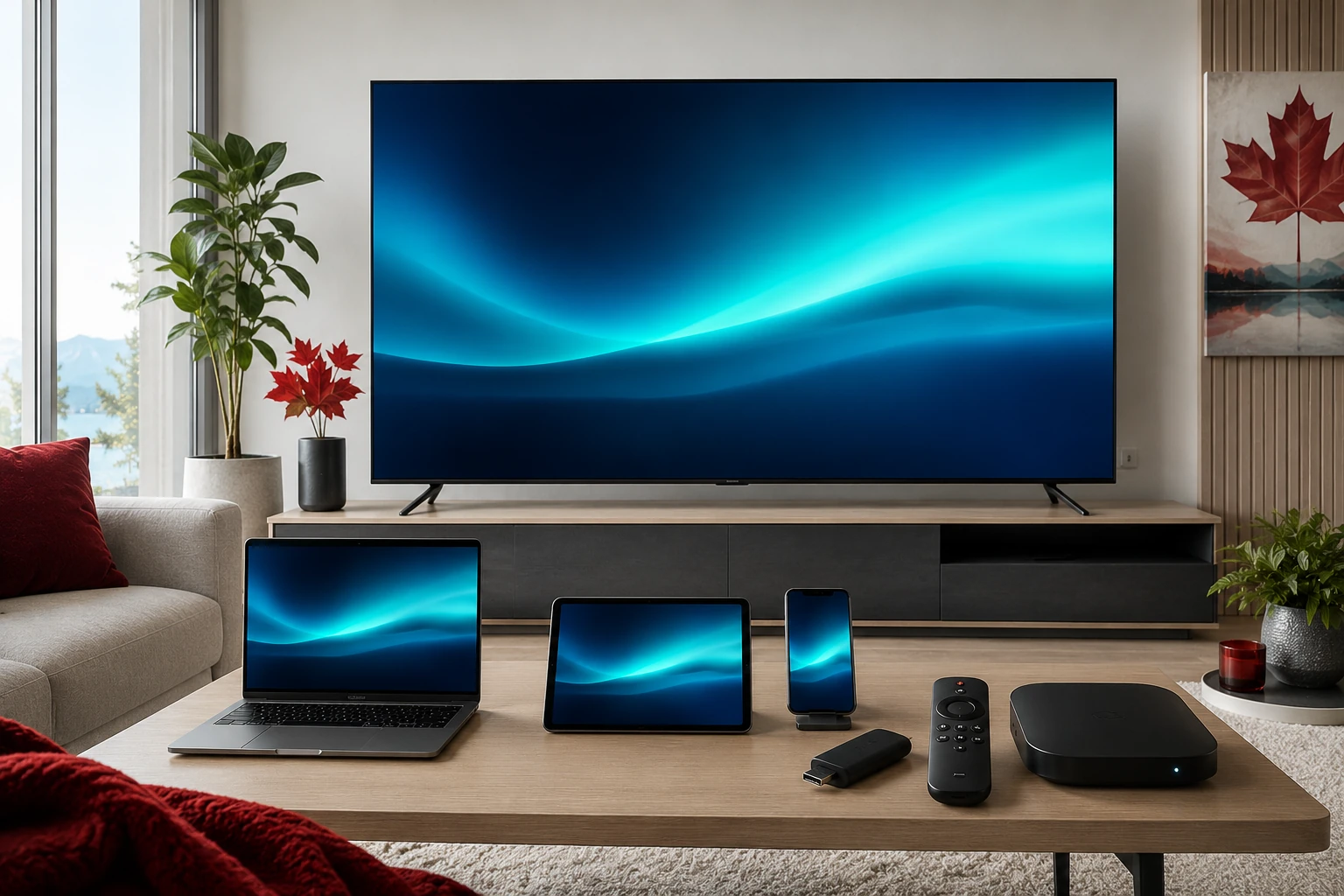
Smart TVFire TVAndroid TVApple TVAndroid mobileWindows / MacFormulerMAG Box
Personal support
Contact IPTV Support in Canada
For a faster answer, include the important details in your first message so the problem can be understood without several basic follow-up questions.
English SupportSupport en français
Include these details
- Your device model
- The IPTV player app you use
- The exact error message, if any
- Whether the issue affects all streams or only one
- Wi-Fi or Ethernet connection
- When the problem started
Internet and communications information in Canada
For general consumer information about internet services and telecommunications in Canada, visit the CRTC internet services information.
Support questions
IPTV Support Canada FAQ
Common troubleshooting questions about login, setup and playback.
What should I do if my IPTV login does not work?
Re-enter the server URL, username and password exactly as provided, confirm the correct login format and check that your access has not expired.
Why is IPTV buffering on a fast connection?
Download speed is only one factor. Wi-Fi interference, packet loss, congestion, device performance and the individual stream can also cause buffering.
Can IPTV Support Canada help with device setup?
Yes. Setup guidance covers common devices and player apps, including Smart TV, Fire TV, Android TV, Apple devices, computers and dedicated IPTV boxes.
Why are my channels not loading?
Refresh the playlist, restart the player, confirm your account is active and check that the device has a working internet connection.
Can I get support in French?
Yes. Support is available in English and French for common setup, account and troubleshooting questions.
Should I change apps if playback is unstable?
Not immediately. Restart and update the current app first, then check the network and device. If the issue continues, another compatible player may help isolate the problem.
NEED MORE HELP?
Start with the Problem You See on Screen
Check setup, login and network basics first. If the issue continues, send your device and player details so support can help more efficiently.