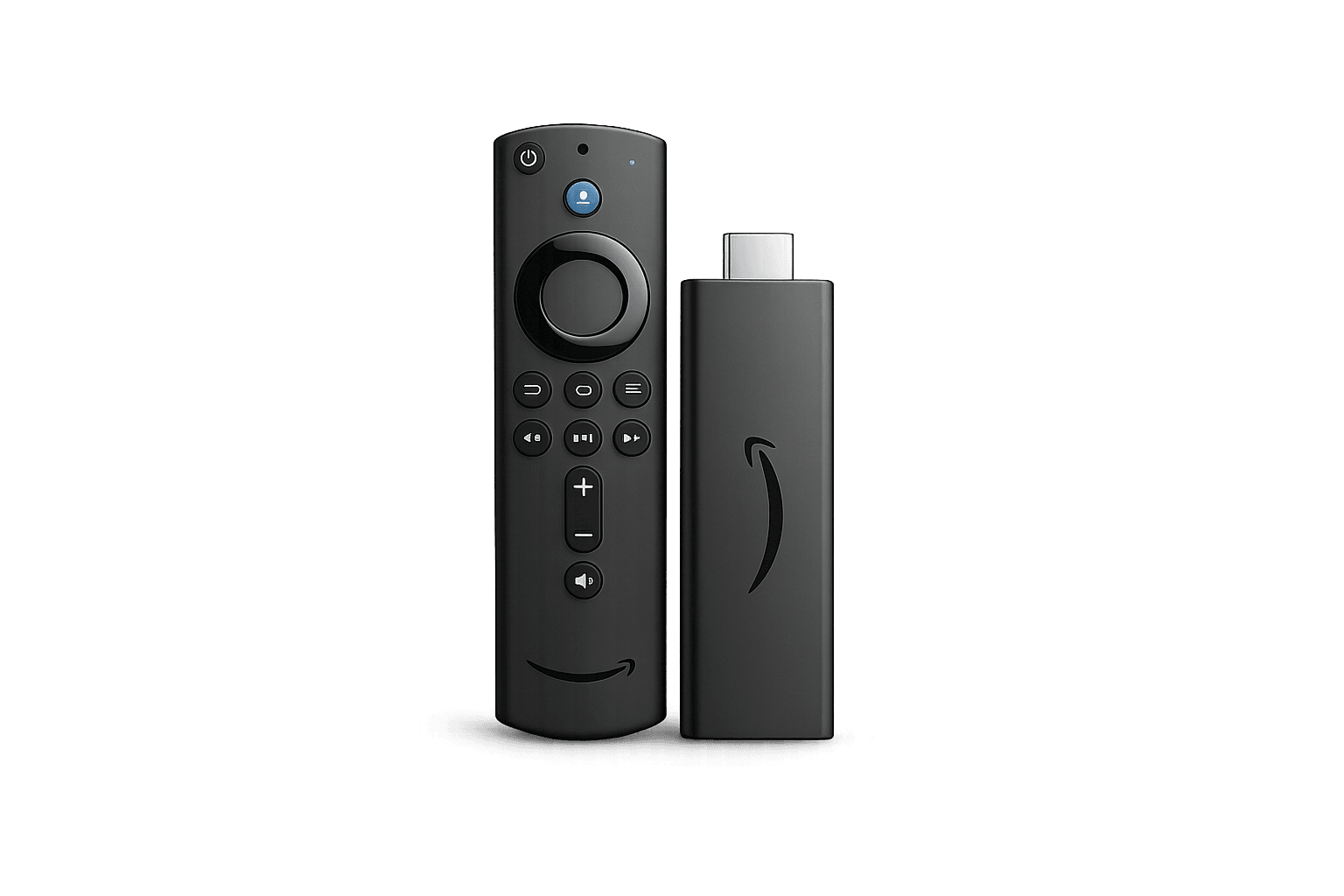
Fire TV / Firestick
Compact, affordable and easy to connect to almost any television with HDMI.
- Simple setup
- Good app availability
- Portable
IPTV Canada Plans, Guides and Streaming Support
Compare IPTV devices Canada by app support, performance, setup flexibility, storage and connection options. Find the device type that fits your TV, budget and streaming habits before you buy new hardware.
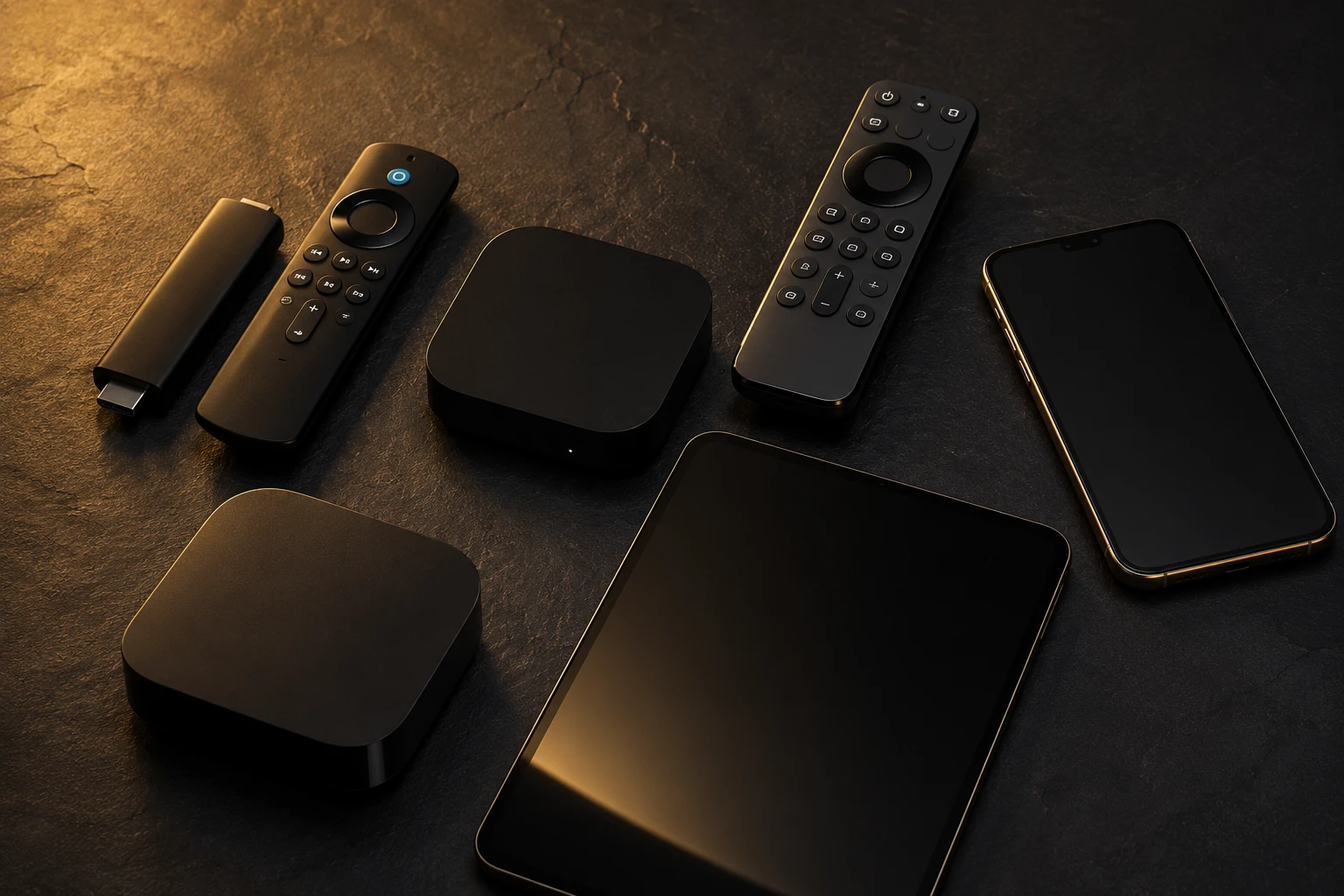
Start with the device you already own. Upgrade only when you need better app support, faster performance or more reliable connectivity.
Compact, affordable and easy to connect to almost any television with HDMI.
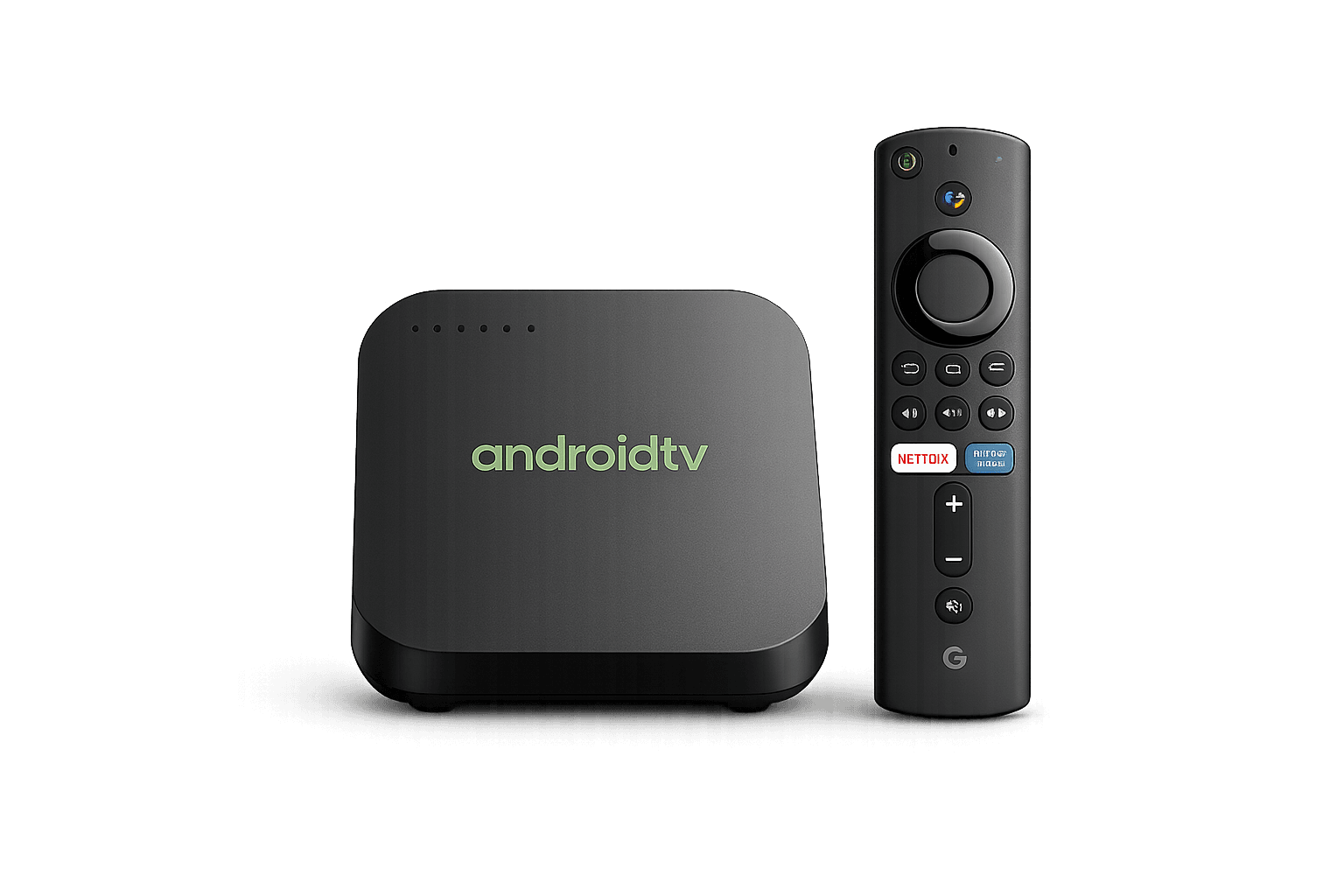
Strong option for users who want wide app choice and flexible settings.
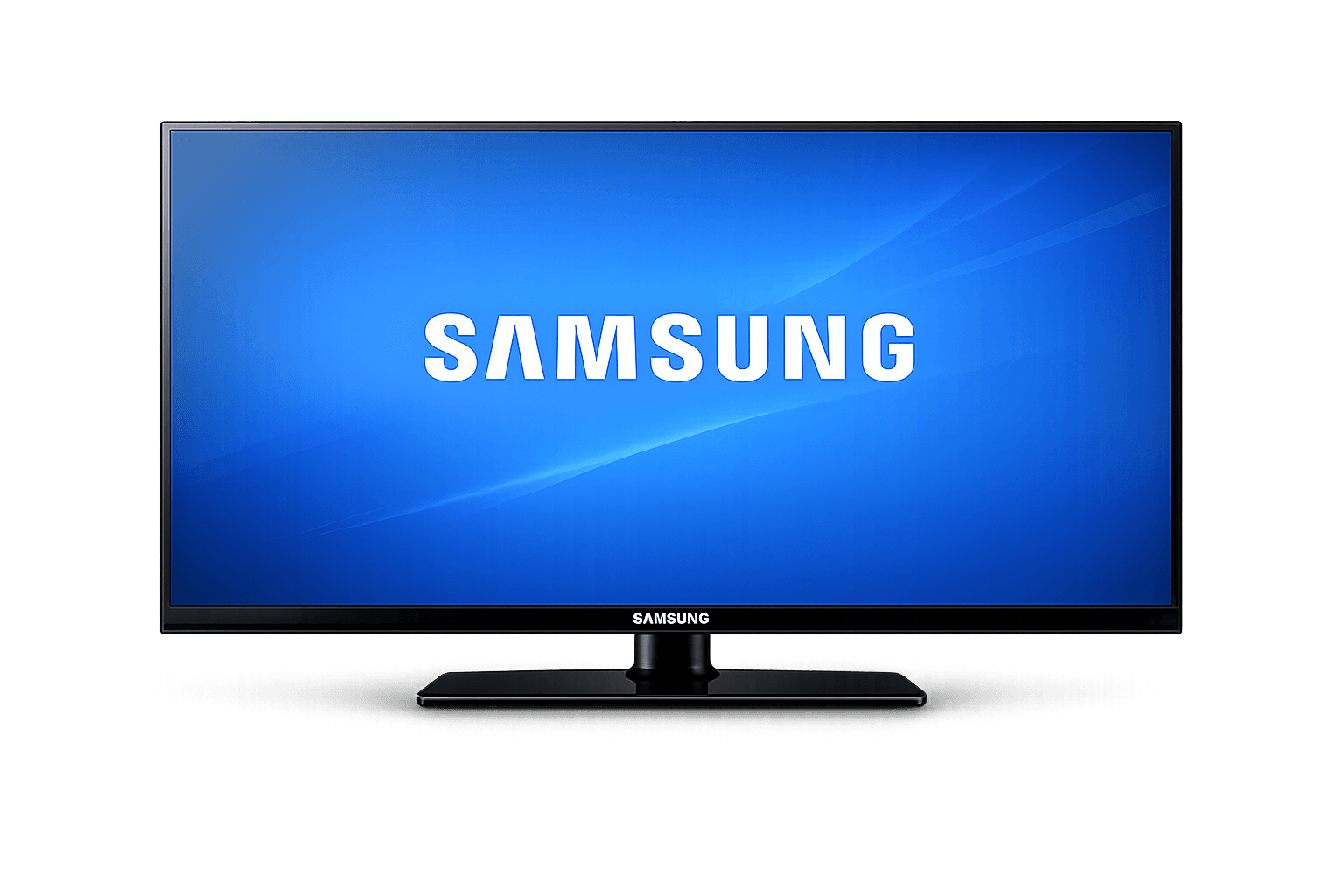
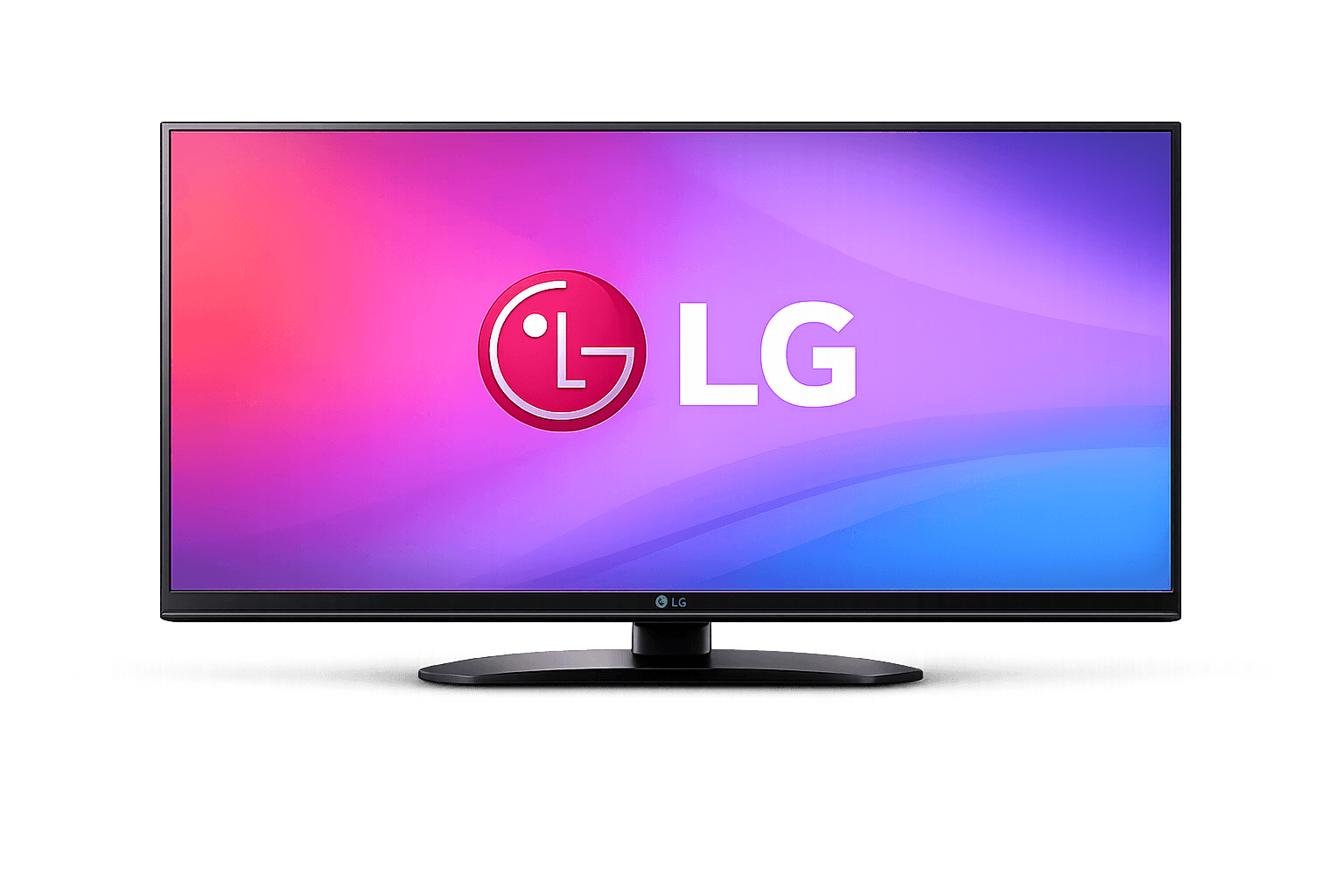
Use your existing Samsung or LG television when a compatible player is available.
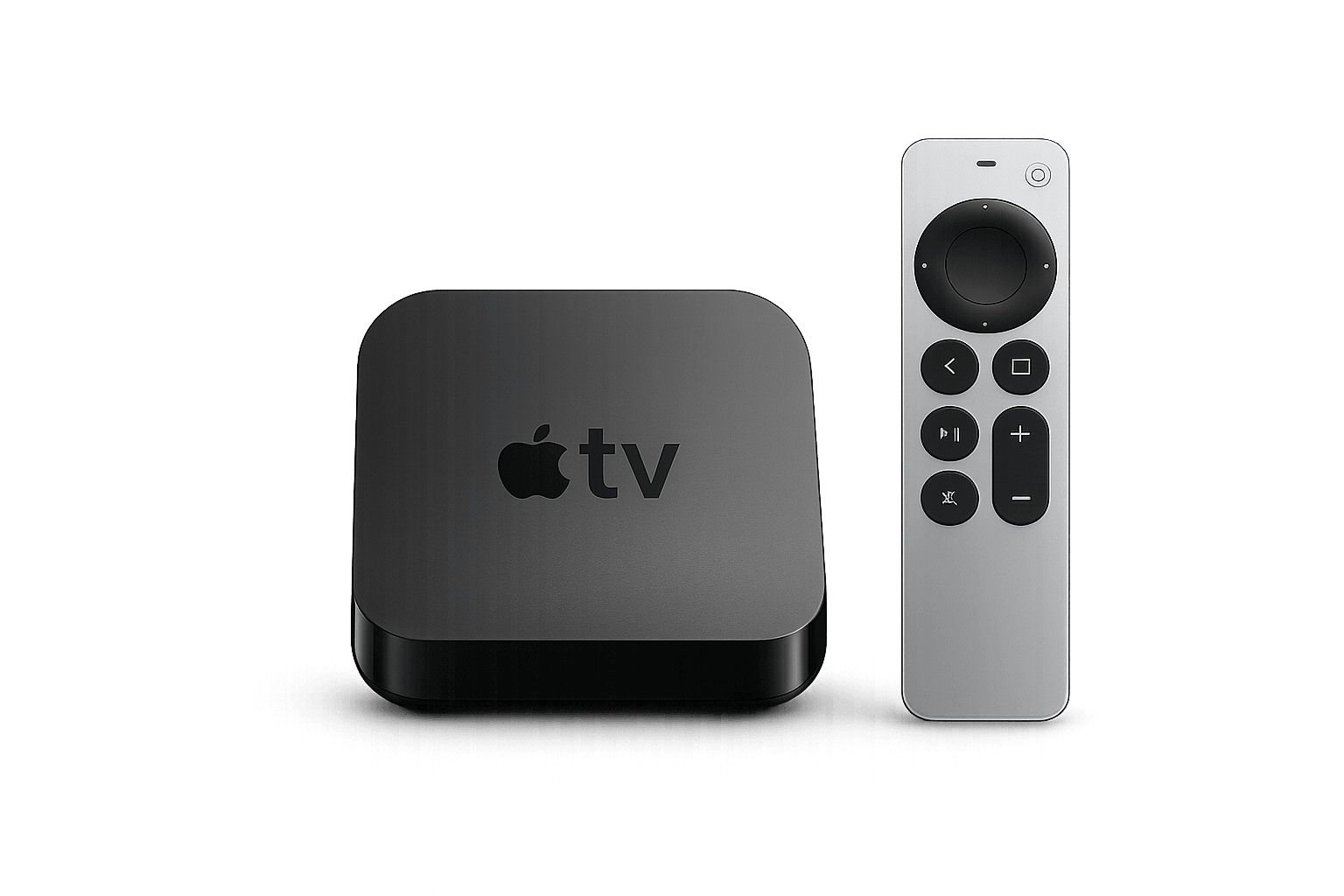
Fast, polished and well suited to households already using Apple devices.
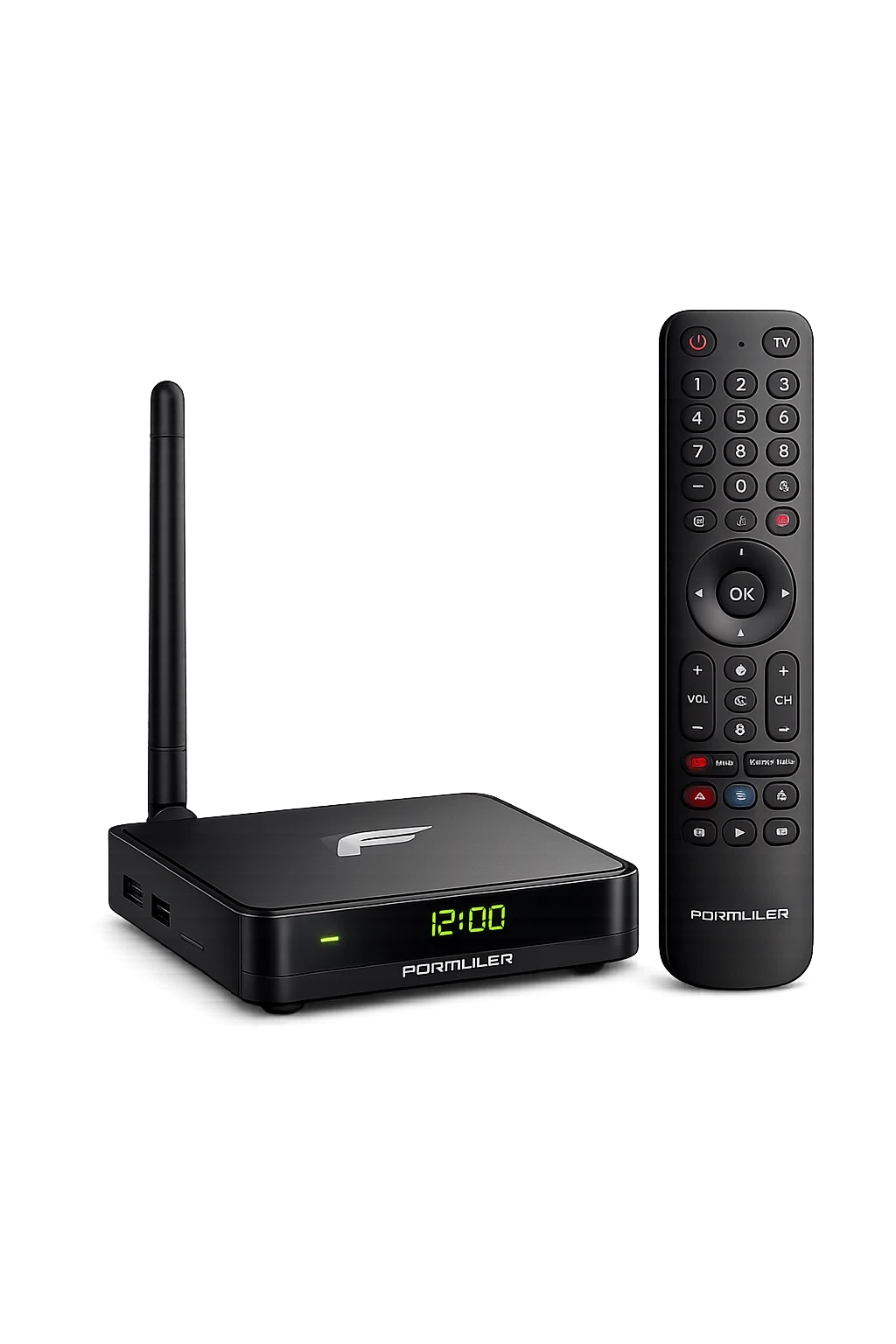
Purpose-built hardware with MYTVOnline support and TV-focused controls.

Dedicated streaming hardware designed around live TV navigation and remote control.
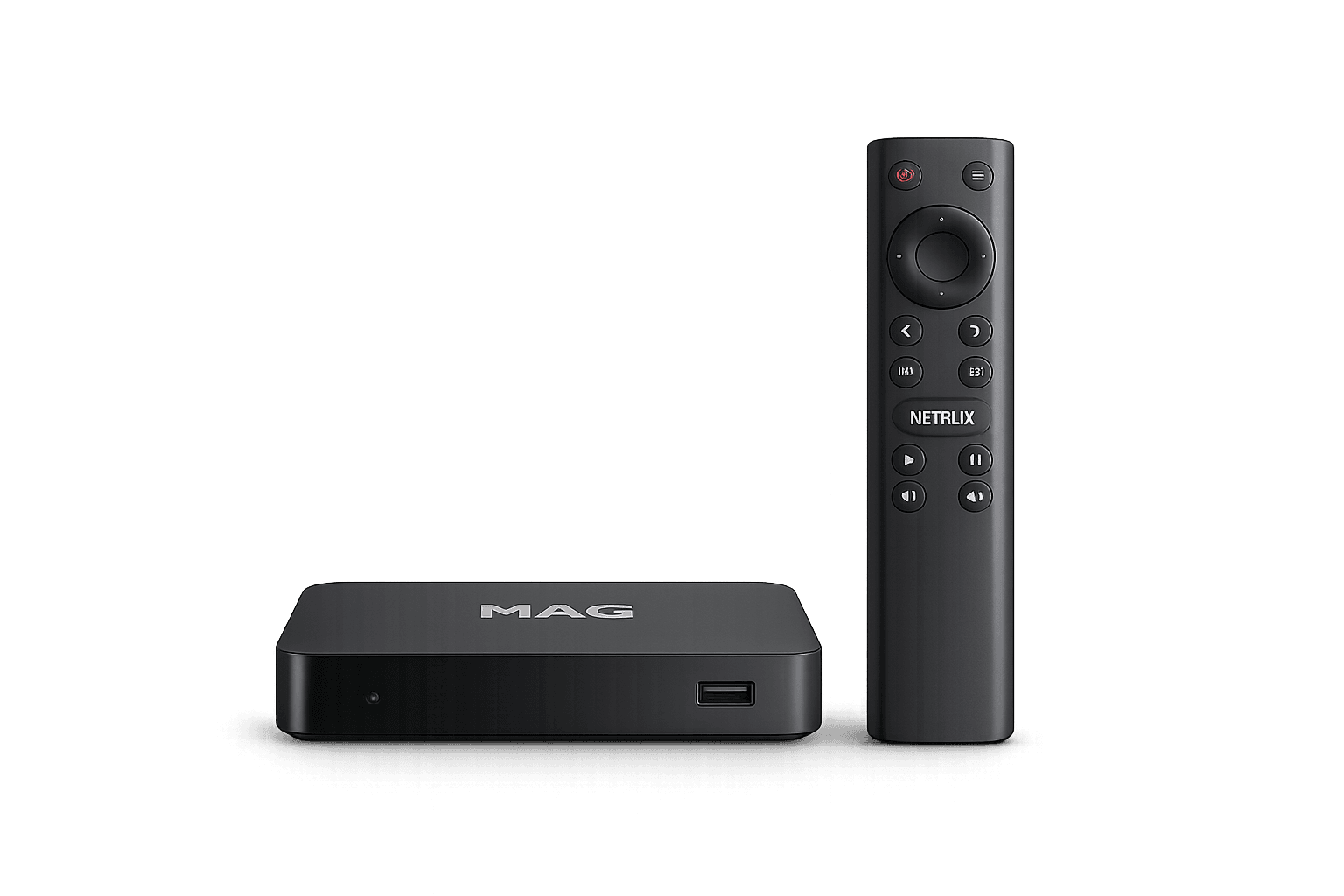
Often used with portal and MAC-based setups on compatible services.
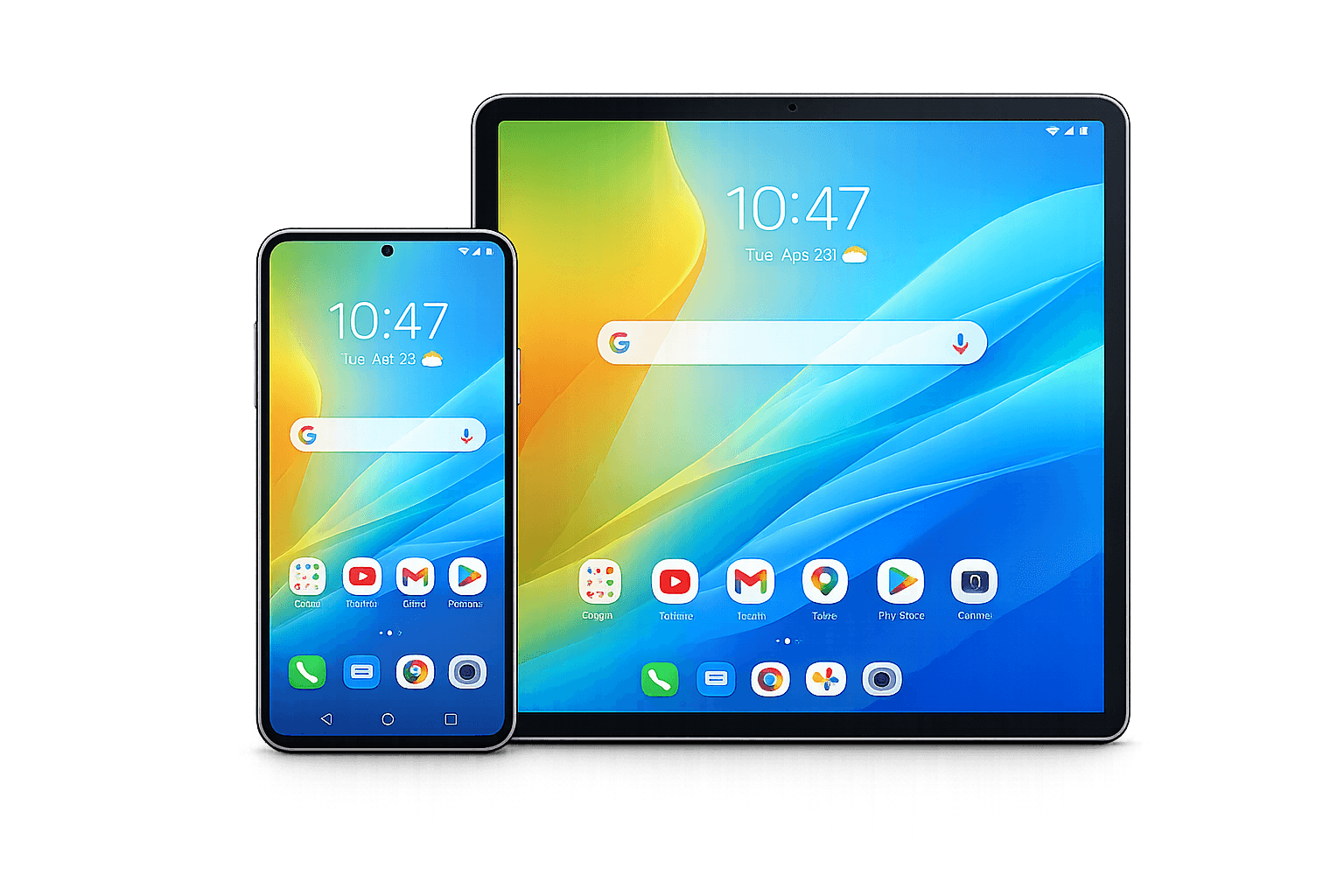
Useful for mobile viewing and testing your account away from the main television.
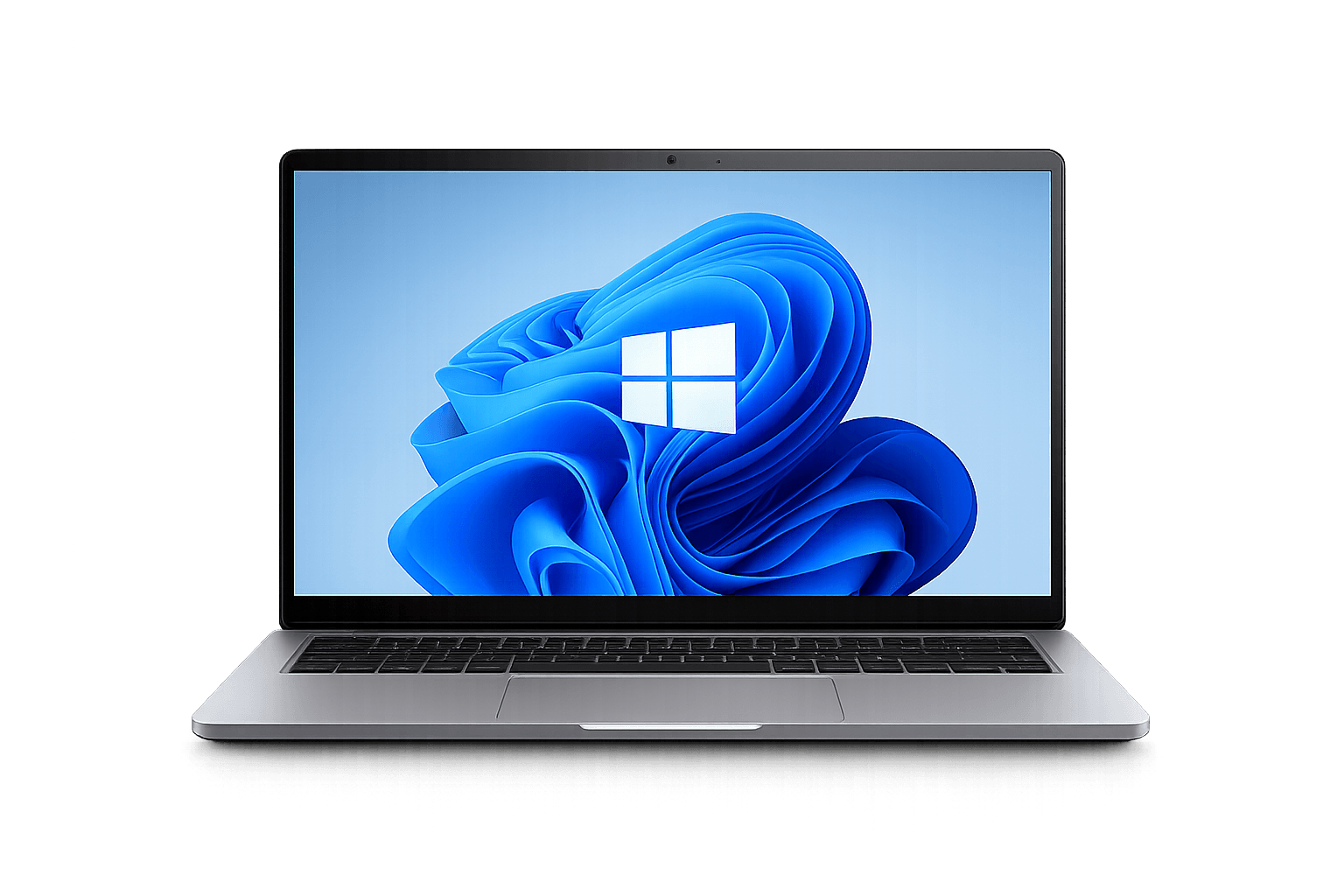
Good for testing, desktop viewing and users who prefer keyboard and mouse control.
Use this as a practical overview before opening the detailed guides.
| Device | Setup | App flexibility | Performance | Best for |
|---|---|---|---|---|
| Fire TV | Easy | Good | Good | Affordable TV upgrade |
| Android TV | Easy | Excellent | Varies by model | Flexibility |
| Smart TV | Very easy | Limited by TV store | Varies | No extra hardware |
| Apple TV | Easy | Good | Excellent | Premium experience |
| Formuler | Easy | Dedicated | Strong | TV-first IPTV setup |
| BuzzTV | Easy | Dedicated | Varies by model | Dedicated IPTV box |
| MAG | Moderate | Portal focused | Varies | Portal / MAC setups |
Good when your television is fine but its built-in apps are limited or slow.
Useful when you want more player choices and more control over your setup.
Strong choice for performance, interface quality and Apple ecosystem users.
Designed for users who prefer a traditional live-TV interface and dedicated remote.
Before replacing hardware, check your connection quality. A fast box can still buffer when Wi-Fi is unstable or the household network is congested.
For general information about internet services and communications in Canada, visit the CRTC internet services information.
If your current TV or streaming device supports a compatible player, test it with the 24-hour trial before buying new hardware.
Common questions about hardware, apps and compatibility.
Fire TV and compatible Smart TVs are often simple for beginners because setup can be straightforward when the player app is available directly from the device store.
Android TV generally offers more flexibility, while Fire TV can be simpler and more affordable. The better option depends on the apps you want and the hardware model.
No. If your Smart TV supports a compatible player and performs well, an extra box may not be necessary.
Apple TV offers strong hardware performance and a polished interface, but you should confirm that a compatible player supports the login format you use.
Formuler is a modern Android-based dedicated streaming platform with MYTVOnline, while MAG-style devices are commonly associated with portal and MAC-based setups.
Don’t upgrade hardware based on buffering alone. First rule out network, player and stream-related causes using our IPTV buffering fix guide. Consider replacing the device only when testing shows that its performance is the bottleneck.
Choose a device that supports the player you want, performs well on your network and fits how you actually watch TV.