Confirm that the player is available for your TV, box, phone or tablet.
IPTV APPS CANADA
Choose the Right IPTV Player for Your Device
Compare popular IPTV player apps by platform, login method and everyday features. Learn which options work best with Fire TV, Android TV, Smart TVs, Apple TV, phones and tablets before you install anything.
Xtream Codes
M3U playlists
EPG support
Device compatibility
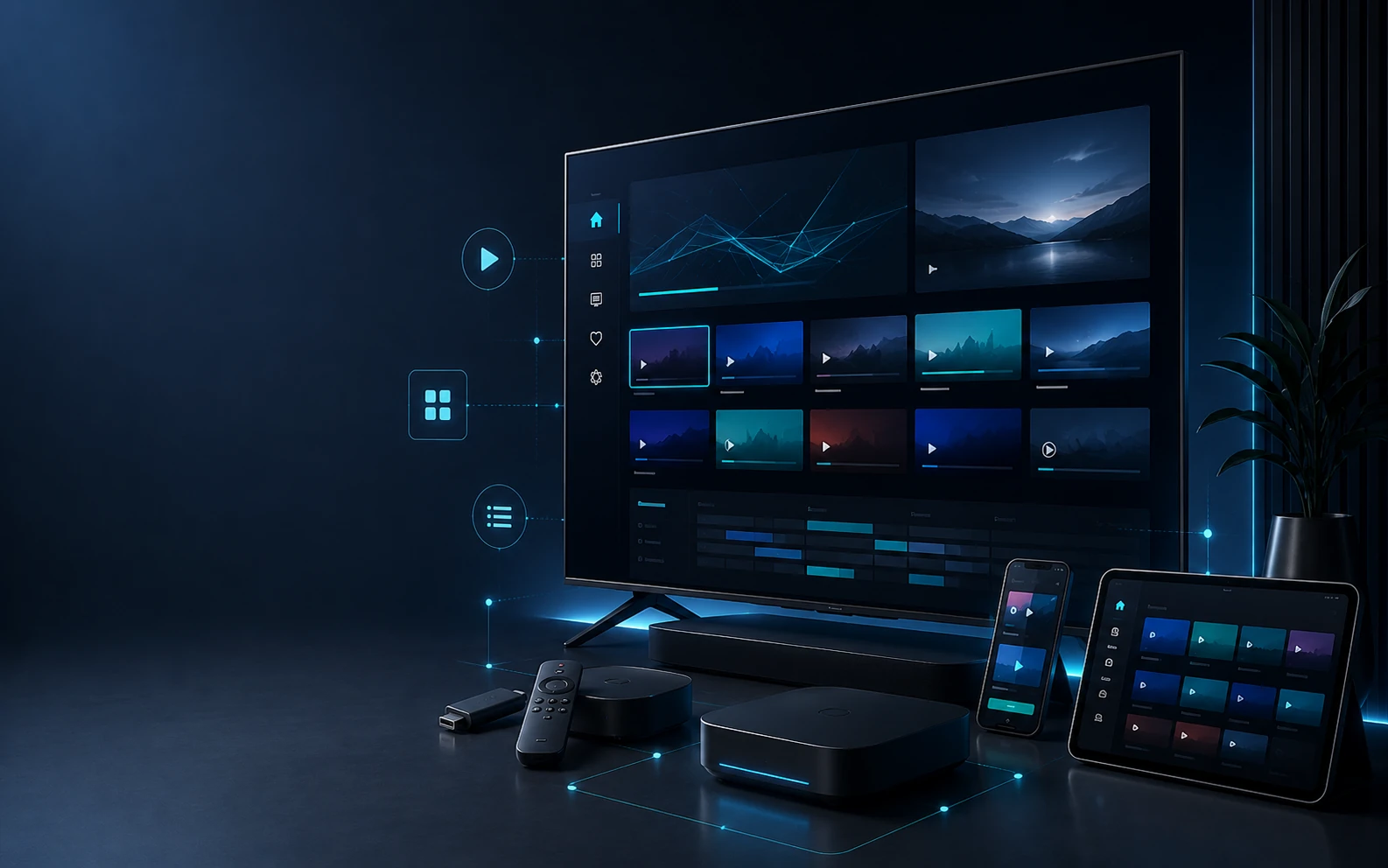
Player guide
Device → Login → Features
What is an IPTV player?
A player is the app that displays and organizes compatible streaming access.
Does the app include channels?
Usually no. The app and the streaming service are separate.
What should you choose first?
Your device. App availability changes by platform and app store.
What login details matter?
Xtream Codes, M3U or another supported account format.
START HERE
How to Choose an IPTV App
A good IPTV app should fit your device and the login format you receive. Fancy features are useful, but compatibility comes first.
If you already own a Fire TV, Android TV, Smart TV or Apple TV, start by checking which player apps are available for that platform. Then compare the interface and features you actually need.
Check whether the app accepts Xtream Codes, M3U or another format.
EPG support makes live TV easier to browse and understand.
Remote-friendly menus matter on TV devices; touch controls matter on mobile.
PLAYER DIRECTORY
Popular IPTV Apps by Platform
The apps below are player options only. Availability and supported features can vary by device, region and current app version.
Android TV / Fire TV
TiviMate
A TV-focused player known for remote-friendly navigation, channel organization and EPG-style browsing on compatible Android-based devices.
View setup help →
Multiple platforms
IPTV Smarters
A familiar multi-platform player with a straightforward account setup flow for compatible streaming access.
View setup help →
XCIPTV
Android-oriented player with live TV, EPG and compatible account-based setup options.
View setup help →
Sparkle TV
A modern TV-oriented player designed for remote navigation, guide browsing and compatible playlist sources.
View setup help →
OTT Navigator
Feature-rich Android player for users who want more control over categories, EPG layout and playback behaviour.
View setup help →
Apple ecosystem
IPTVX
A player option designed for compatible Apple devices such as Apple TV, iPhone and iPad.
View setup help →
Smart TV
IBO Player
Smart TV player family used on compatible television platforms. Availability depends on TV model, operating system and region.
View setup help →
Smart TV
SmartOne IPTV
Smart TV-oriented player for compatible television platforms, with playlist and TV-guide functionality where supported.
View setup help →
Android
Televizo
Lightweight player option for Android phones, tablets and compatible Android-based streaming devices.
View setup help →
QUICK COMPARISON
Compare IPTV Apps at a Glance
Use this table as a starting point, then confirm the latest compatibility on your own device.
| Player | Typical platform | Common login options | Best for |
|---|---|---|---|
| TiviMate | Android TV / Fire TV | Xtream, M3U | TV-first navigation |
| IPTV Smarters | Multiple platforms | Xtream, M3U | Simple account setup |
| XCIPTV | Android | Xtream, platform dependent | Android TV users |
| Sparkle TV | Android / Google TV | M3U and supported sources | Modern guide interface |
| OTT Navigator | Android | Xtream, M3U | Advanced controls |
| IPTVX | Apple platforms | App/version dependent | Apple ecosystem |
| IBO / SmartOne | Smart TV | Playlist-based options | Built-in TV app use |
App features and availability can change. Check the current app listing and documentation before installation.
LOGIN METHODS
Understand the Details Your App May Ask For
Different apps use different login screens. Matching the correct format is one of the most important parts of setup.
Xtream Codes
Usually asks for a server URL, username and password.
M3U Playlist
Uses a playlist URL that the player loads directly.
EPG URL
Some players support a separate TV-guide source for schedule data.
CHOOSE BY DEVICE
Which App Type Fits Your Device?
Already have a device? Use the options below to narrow down compatible player types. If you are still choosing hardware, compare IPTV devices in Canada first.
Look for a remote-friendly Android or Fire TV player.
Best IPTV player for Firestick →One of the most flexible platforms for IPTV player choice.
Android TV guide →App choice depends heavily on your TV's current app store.
Smart TV guide →Use a compatible tvOS player that supports your login format.
Apple TV guide →
IMPORTANT
The Player and the Service Are Two Different Things
It organizes categories, EPG information, search, favourites and playback controls.
Compatible access is loaded into the player through credentials, playlists or another supported method.
NEXT STEP
Ready to Install Your IPTV Player?
Once you have chosen a compatible player, continue with the setup guide for your device. Installation steps, menu names and login screens can vary by platform and app version.
Match the app to your device and supported login format.
Follow the installation path for your Fire TV, Android TV, Smart TV, Apple device or other platform.
Use official app sources where possible.
Install applications from the official platform store or the developer's official source when available. For general communications information in Canada, visit the CRTC.
TEST YOUR SETUP
Start 24-Hour Free Trial
Install the Player Before You Choose a Longer Plan
Once the app is installed, use the 24-hour trial to confirm that login, navigation and playback work properly on your device and home network.
COMMON QUESTIONS
IPTV Apps Canada FAQ
Useful answers before you install or switch player apps.
Which IPTV app is best in Canada?
There is no single best player for every device. The right choice depends on your operating system, login format and preferred interface.
Does an IPTV app include channels?
Usually no. A player app is normally the software interface used to load compatible account or playlist details.
Which IPTV apps work on Firestick?
Fire TV supports compatible player apps depending on current Amazon Appstore availability and installation options. Android-compatible TV players are commonly used on the platform.
Can I use one app on every device?
Not always. App availability differs between Android TV, Fire TV, Smart TV, Apple TV and mobile platforms.
What is Xtream Codes login?
It is a common login method using a server URL, username and password supplied for compatible access.
What should I do if the player is not working?
If a player stops working after setup, use our IPTV Support Canada guide for login, app, playlist and general troubleshooting. If the issue is specifically freezing or buffering, use the dedicated IPTV buffering fix guide.
DEVICE FIRST. APP SECOND.
Choose a Player That Fits the Way You Watch
Start with device compatibility, confirm the login format, then compare the features that make daily navigation easier.