Your device
Confirm that your Smart TV, Fire TV, Android device, Apple TV, mobile device or computer can run a compatible player reliably. Compare compatible devices →
IPTV Canada Plans, Guides and Streaming Support
Request 24-hour test access and try the service on your own device before choosing a paid plan. Check player compatibility, channel playback, picture quality and your normal internet connection. No credit card is required for the trial request.

The free IPTV trial Canada option is designed to help you evaluate compatibility before paying for a longer subscription. Use the trial on the same device and internet connection you expect to use regularly.
During your free IPTV trial Canada test period, focus on the things that matter most to your setup: app login, channel loading, video playback, navigation and network stability. A short test gives you a more useful picture than choosing a plan based only on specifications.
Test the same conditions you will use after subscribing so you can make a more informed decision.
Confirm that your Smart TV, Fire TV, Android device, Apple TV, mobile device or computer can run a compatible player reliably. Compare compatible devices →
Check that the player accepts the supplied login format and that menus, categories and playback controls work as expected. Compare IPTV player apps →
Test over the Wi-Fi or Ethernet connection you normally use. Weak wireless coverage can affect streaming even when your internet plan is fast. Check IPTV internet requirements →
Browse the categories that matter to you and verify availability instead of assuming that every title or channel is included. Explore the channel categories →
Check HD, Full HD and 4K streams where available, keeping in mind that quality can vary by source, device and connection.
If you need setup assistance during the trial, use the support channel and make sure the guidance is clear for your device. Open IPTV Support Canada →
Streaming performance depends on your connection as well as the device and player. For general information about internet services and consumer protections in Canada, visit the CRTC Internet services information .
Tell us which device and player app you use. This helps prepare the correct setup information for your 24-hour test.
Complete the form below and your request will be sent directly to IPTV Canada Hub.
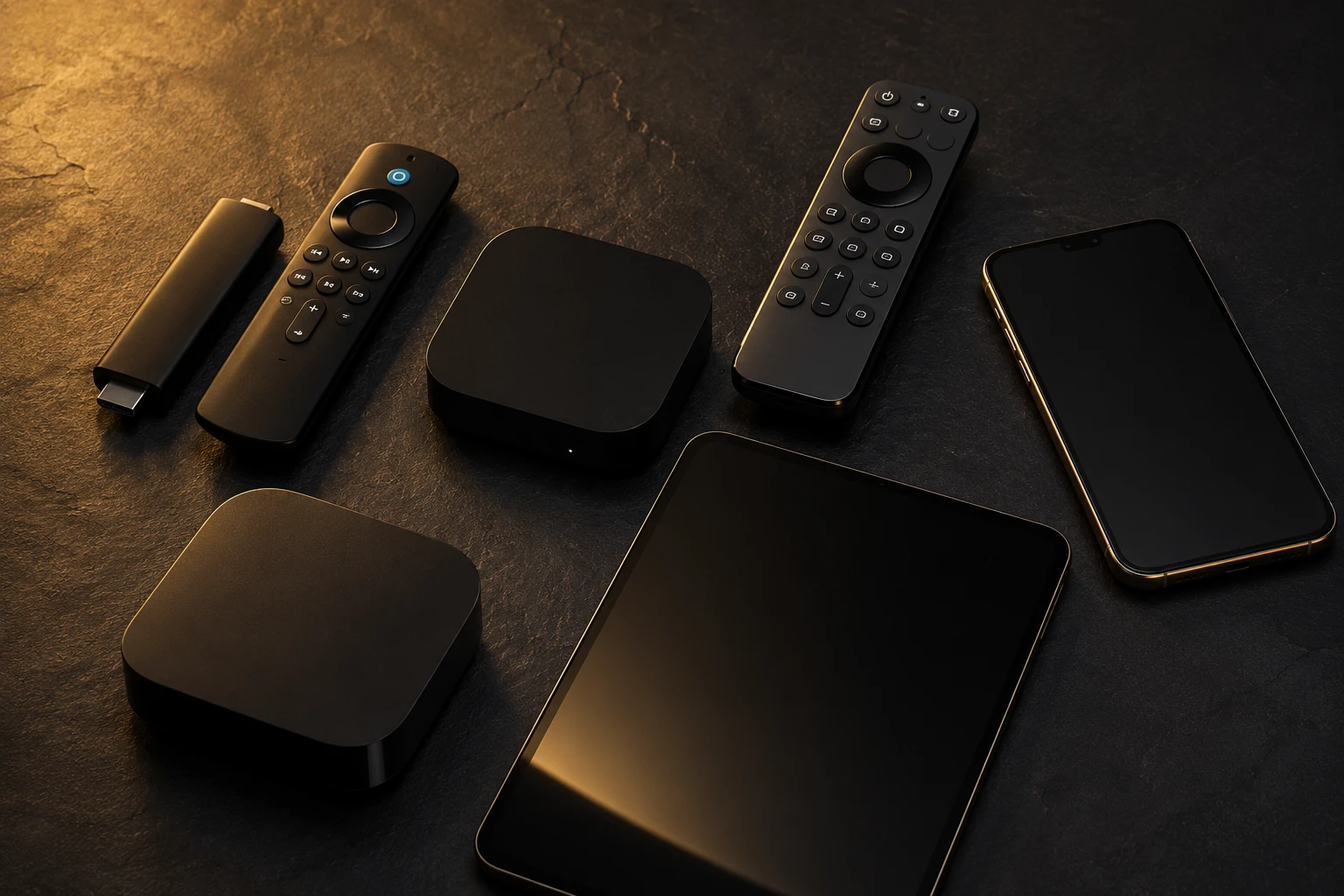
The most useful trial is one performed on your normal viewing setup. Device performance, available player apps, Wi-Fi strength and video codec support can all influence the result.
The goal of the free IPTV trial Canada process is to get you testing quickly without asking you to choose a paid subscription first.
Tell us your device, email and player app so the correct setup format can be prepared.
Use the supplied setup information in a compatible player on your selected device.
Check playback, categories, device compatibility and your connection during the trial window.
If the setup works for you, compare paid plan lengths and device allowances before subscribing.
The free IPTV trial Canada does not require you to purchase a plan. If you decide the service fits your setup, compare the available 1, 3, 6 and 12-month subscriptions and choose the option that makes sense for your household.
If something does not work during the trial, check the device, player app and network before assuming the issue is the subscription itself. Setup assistance can help identify common problems.
Compare IPTV Plans CanadaIf your player does not connect, a channel does not load or you are unsure which app to use, contact support before ending the test. A setup problem can sometimes look like a service problem.
Contact IPTV Support in Canada
Answers to common questions before requesting a 24-hour IPTV test.
The trial period is 24 hours from activation, giving you time to test the service on your selected device and connection.
No. A credit card is not required to request the 24-hour trial.
You can request a trial for common compatible setups including Fire TV, Smart TVs, Android TV, Google TV, Apple TV, mobile devices and computers.
Yes. The trial is intended to let you test your setup before deciding whether a paid plan is appropriate for you.
Start with our IPTV buffering fix guide for the troubleshooting workflow. If you need to verify bandwidth or Wi-Fi requirements, use the IPTV internet speed guide. You can also contact IPTV Support Canada during the test period.
No. Video quality depends on the available source. HD, Full HD and 4K may be available, but not every stream or title is offered in every resolution.
No. You can finish the test without purchasing a plan.
Test your device and connection first. If the experience works for you, compare the available subscription terms afterward.