IPTV CANADA HUB · BEGINNER GUIDE · 2026
What Is IPTV? How It Works in Canada
What is IPTV? This beginner-friendly Canadian guide explains Internet Protocol Television, how IPTV works, compatible devices and apps, internet requirements, legality and the essential points to understand before setting up a streaming device.
IPTV stands for Internet Protocol Television. It is a method of delivering television and video through an IP network instead of relying exclusively on traditional cable, satellite or terrestrial broadcasting.
For viewers in Canada, the concept is relatively simple. A compatible device connects to the internet, software provides the viewing interface, and video data is delivered across the network when content is selected. The system becomes easier to understand when separated into four components: the network, the service, the player and the device.
IN ONE SENTENCE
IPTV is television delivered through an IP network.
What Is IPTV and How Does It Work in Canada?
People researching IPTV in Canada are usually trying to understand how internet television differs from conventional broadcasting. IPTV uses Internet Protocol to transport video data from a source to a connected device.
IPTV is not the name of one specific company, application or television box. It is a delivery technology. Different broadcasters, telecommunications providers and streaming platforms can use IP-based television technology while offering completely different content, applications and subscription models.
KEY IDEA
Installing an IPTV player does not automatically provide television content. Player software and the service supplying authorized content can be separate products.
How Does IPTV Work?
When you select a channel or video, several parts of the system work together. The device requests the content, the network transports the required data and the hardware decodes the stream so it can be displayed on the screen.
01
Internet Network
Carries video data between the source and the viewing device.
02
IPTV Service
Provides authorized access or compatible account information.
03
IPTV Player
Organizes compatible streams and provides the viewing interface.
04
Streaming Device
Decodes the video stream and displays it on your screen.
The IPTV Service
The service provides access to available streams or programming. Depending on the system being used, the viewer might receive a username and password, an M3U playlist or another supported connection format.
The IPTV Player
An IPTV player is software that can load compatible account or playlist information and provide an interface for navigating and playing streams. Different apps can offer different features and support different platforms.
See our IPTV apps guide for Canada to learn more about compatible player options.
Which Devices Can Be Used for IPTV in Canada?
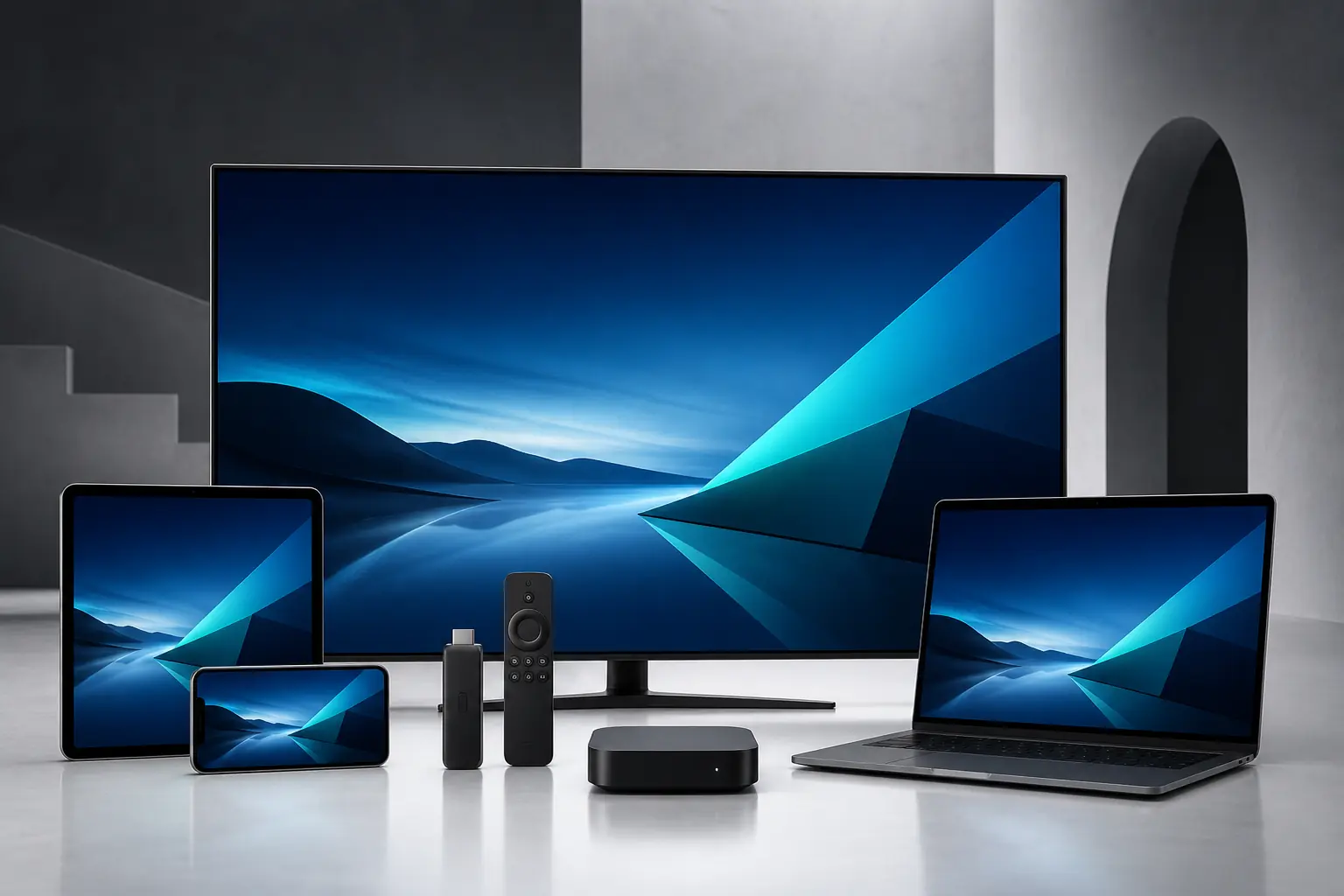
IPTV technology is not restricted to a traditional television receiver. Compatible IPTV applications can operate on many internet-connected platforms, including televisions, streaming devices, phones, tablets and computers.
Smart TV
Some television platforms provide compatible player applications through their official app stores.
Fire TV
Amazon Fire TV devices provide a television-focused platform for compatible streaming applications.
Android TV
Android TV and Google TV support a broad ecosystem of compatible media applications.
Apple Devices
Compatible players can be available for Apple TV, iPhone and iPad.
Phones and Tablets
Mobile devices can provide convenient portable viewing and setup testing.
Windows and Mac
Computers can use compatible desktop applications and media players.
For platform-specific information, see our IPTV devices guide and IPTV installation guides.
What Internet Speed Do You Need for IPTV?
IPTV depends on network connectivity, but no single download-speed number guarantees perfect streaming. Higher-resolution video generally requires more bandwidth, while connection stability can be equally important.
A connection can show a high speed-test result and still experience buffering because of weak Wi-Fi, interference, network congestion, latency, packet loss or other devices using the same connection.
Bandwidth
Available network capacity for the video stream.
Wi-Fi
Signal strength, interference and router coverage.
Latency
The time required for network data to respond.
Packet Loss
Data that fails to arrive correctly.
A fast internet connection is not automatically a stable streaming connection.
Use our IPTV internet speed guide for a more detailed explanation of network performance.
For general information about internet and telecommunications services in Canada, visit the Canadian Radio-television and Telecommunications Commission.
IPTV Player vs IPTV Service: What Is the Difference?
A frequent source of confusion is the difference between an IPTV player and an IPTV service. They are related, but they perform different jobs.
IPTV PLAYER
The Software
A player provides the interface used to load, organize and play compatible streams or playlist information.
IPTV SERVICE
The Access
A service provides authorized content access or account information that compatible player software can use.
PLAYER CHOICE
The player shown in an IPTV Canada Hub installation guide is only an example. You can choose another compatible IPTV player when it supports your device and the login method provided to you.
Is IPTV Legal in Canada?
IPTV technology itself is not inherently illegal. Internet Protocol is simply a method of delivering digital data, and legitimate broadcasters, telecommunications providers and streaming platforms can use internet-based television systems.
The important question is whether a particular service has the necessary rights or authorization to distribute the programming it offers. Not every service using IPTV technology operates in the same way.
RESPONSIBLE STREAMING
Use lawful streaming services and access only content you are authorized to watch. The legality of a particular service depends on its rights and operations, not simply on its use of IPTV technology.
Common IPTV Problems and Why They Happen
When IPTV playback does not work correctly, the problem can originate from the network, device, application, account information or streaming source. Checking one part of the setup at a time is usually more useful than immediately reinstalling everything.
Buffering
Weak Wi-Fi, interference, network congestion, insufficient available bandwidth or problems with the stream itself can affect playback.
Login Errors
Check the username, password, server information and login method. Small typing mistakes or an incorrect connection format can prevent an account from loading.
Player Problems
An outdated or incompatible application can cause loading, navigation or playback problems. Check the official source for available updates.
Device Performance
Older hardware, low available storage or limited memory can reduce application responsiveness and video performance.
If buffering is the main issue, follow our IPTV buffering troubleshooting guide.
If buffering is the main issue, follow our IPTV buffering troubleshooting guide.
How to Get Started With IPTV
- Choose your device. Decide whether you want to watch on a Smart TV, streaming device, phone, tablet or computer.
- Choose a compatible player. Confirm that the application supports both your device and required login format.
- Install the application. Use an official app store or another trusted installation method appropriate for the platform.
- Add your access details. Enter authorized account information using the matching setup option.
- Test playback. Check video playback and connection stability before changing advanced settings.
For device-specific instructions, open our step-by-step IPTV installation guides.
Frequently Asked Questions About IPTV in Canada
What does IPTV stand for?
IPTV stands for Internet Protocol Television. It describes television or video delivered using IP networks.
Do I need a Smart TV to use IPTV?
No. Compatible streaming devices, phones, tablets and computers can also run IPTV player applications.
Does an IPTV player automatically include channels?
Not necessarily. Many IPTV players are simply applications designed to load and display compatible account or playlist information.
Can I choose my own IPTV player?
Yes. You can use another compatible IPTV player when it supports your device and required login method.
Why can IPTV buffer on fast internet?
Download speed is only one factor. Wi-Fi interference, congestion, latency, packet loss, device performance and the streaming source can also affect playback.
Is IPTV legal in Canada?
IPTV is a delivery technology and is not inherently illegal. Whether a specific service is lawful depends on its authorization and rights to distribute the content it provides.
THE BOTTOM LINE
Understanding IPTV Makes Setup Easier
If you started this guide asking what is IPTV, the simple answer is that it is television delivered using an IP network. A typical setup combines internet connectivity, compatible hardware, player software and authorized access to content.
Understanding each part makes it easier to choose a device, select a compatible player and diagnose streaming problems when they occur.