
IPTV Toronto: A Practical Guide to Choosing a Streaming Service in 2026
A practical Toronto guide to comparing device compatibility, home internet, content needs, EPG accuracy, pricing and support before choosing a streaming setup.
Choosing an IPTV Toronto streaming service in 2026 can be confusing because different providers, apps and devices may appear similar while delivering very different everyday experiences. The right IPTV Toronto streaming service should fit your hardware, home network and viewing habits.
Instead of starting with the largest advertised channel count, begin with your own setup. The television or streaming device you use, the quality of the connection reaching that device, the number of simultaneous streams you need and the way you browse live programming can all change which option makes sense.
This is a decision guide rather than another general city landing page. For broader local setup information, see our IPTV Toronto guide . Here, the goal is to help you evaluate a streaming service before making a longer commitment.
IPTV describes a method of delivering television and video over IP networks. It does not determine whether a particular service has rights to specific programming. Canadian viewers can review television service information published by the Canadian Radio-television and Telecommunications Commission (CRTC) . Use services and content you are authorized to access.
Start With Device Compatibility
Device compatibility should be one of the first things you verify when comparing an IPTV Toronto streaming service. A Toronto household using a Firestick may need different player options from someone using Apple TV, a Samsung or LG Smart TV, or an Android TV device.
Confirm that the streaming setup supports your existing hardware and that a legitimate compatible player can use the playlist or login format you receive. Do not assume that an application available on one television platform is automatically available on another.
Fire TV users can compare software choices in our best IPTV player for Firestick Canada guide . For a wider hardware overview, visit IPTV devices Canada .
Test the Home Network, Not Just the Internet Plan
A reliable IPTV Toronto streaming service still depends on the quality of your home connection. Internet speed is only one part of the experience because Wi-Fi signal strength, congestion and the distance between the router and streaming device can also affect playback.
Test the connection on or near the television you actually use. A speed test performed on a phone beside the router does not tell you how well a Firestick at the other end of the home is connected.
Higher-bitrate and higher-resolution video generally needs more consistent bandwidth. Ethernet can remove Wi-Fi quality from the equation, while a strong 5 GHz wireless connection can work well when the device is within suitable range.
Use the actual streaming device and normal viewing location when checking whether your connection is stable enough.
Check your setup with our IPTV internet speed checker Canada . If playback is unstable, continue with the IPTV buffering fix Canada guide .
Compare the Content You Will Actually Watch
When comparing an IPTV Toronto streaming service, avoid choosing only by the largest advertised channel count. Instead, identify the live television, sports, movies, series, international programming or language categories you actually plan to watch.
Availability can change, so important channels or categories should be checked before paying for a longer subscription. A smaller selection that contains the programming you regularly use can be more valuable than thousands of listings you never open.
Live channels and on-demand libraries should also be evaluated separately. They solve different viewing needs and should not be treated as one combined number.
Check EPG Accuracy in Toronto's Eastern Time
A well-configured IPTV Toronto streaming service should be tested with Toronto's Eastern Time setting so that programme-guide information matches the actual local viewing time.
During a trial or initial setup, compare the programme title and scheduled start time with what is actually playing. If the guide is consistently one hour early or late, investigate timezone, Daylight Saving Time and any player-specific EPG offset before assuming that playback itself is broken.
Guide completeness can also differ by channel because programme information depends on the EPG data available to the player.
Compare Pricing, Currency and Device Limits
Pricing for an IPTV Toronto streaming service should be compared using the total amount billed, subscription duration, currency and number of simultaneous connections rather than looking only at the lowest advertised monthly equivalent.
A one-TV household may not need to pay for several concurrent streams. Another household may regularly watch different content in separate rooms and therefore needs to understand how many simultaneous connections the plan actually permits.
Canadian buyers should also check whether prices are displayed in CAD and whether the amount is charged monthly or billed upfront for a longer period.
Test the IPTV Toronto Streaming Service Before Committing
Testing an IPTV Toronto streaming service on the same television, player and home network you normally use gives you much more useful information than testing briefly on a different device.
Use the trial as a structured test. Browse several channel groups, check programme-guide accuracy, test remote navigation and watch long enough to see whether playback remains stable.
It can also be useful to test during the time of day when you normally watch. A household network can behave differently in the evening when several phones, televisions, computers and game consoles are active.
Check Setup Help and Customer Support
Support can make a noticeable difference when choosing an IPTV Toronto streaming service, especially if you need help identifying whether a problem comes from the player, internet connection, EPG configuration or account setup.
Before choosing a service, look for setup information relevant to the devices you use. Useful documentation should help you understand which player is compatible and what information is needed during setup.
When requesting troubleshooting help, provide specific details. Our IPTV support Canada guide can help you prepare the information needed to diagnose common problems.
Red Flags Worth Checking Twice
A good comparison is not only about features. It is also about recognizing situations where more verification is needed before paying.
Firestick, Smart TV, Apple TV or Android TV?
The best platform depends on what you already own and which compatible player experience you prefer.
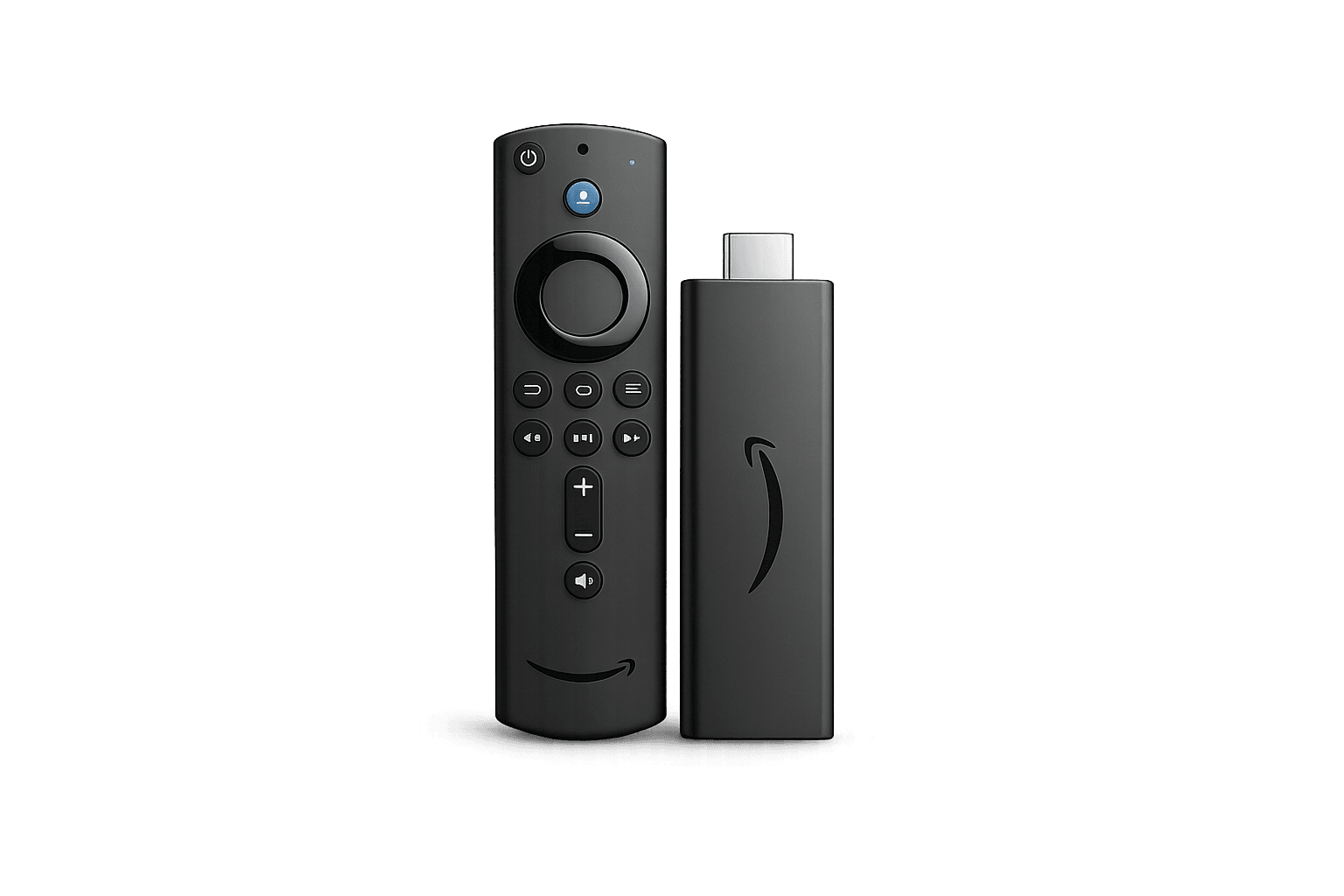
Firestick
A popular television-focused platform where remote navigation, app availability and player performance are important parts of the viewing experience.
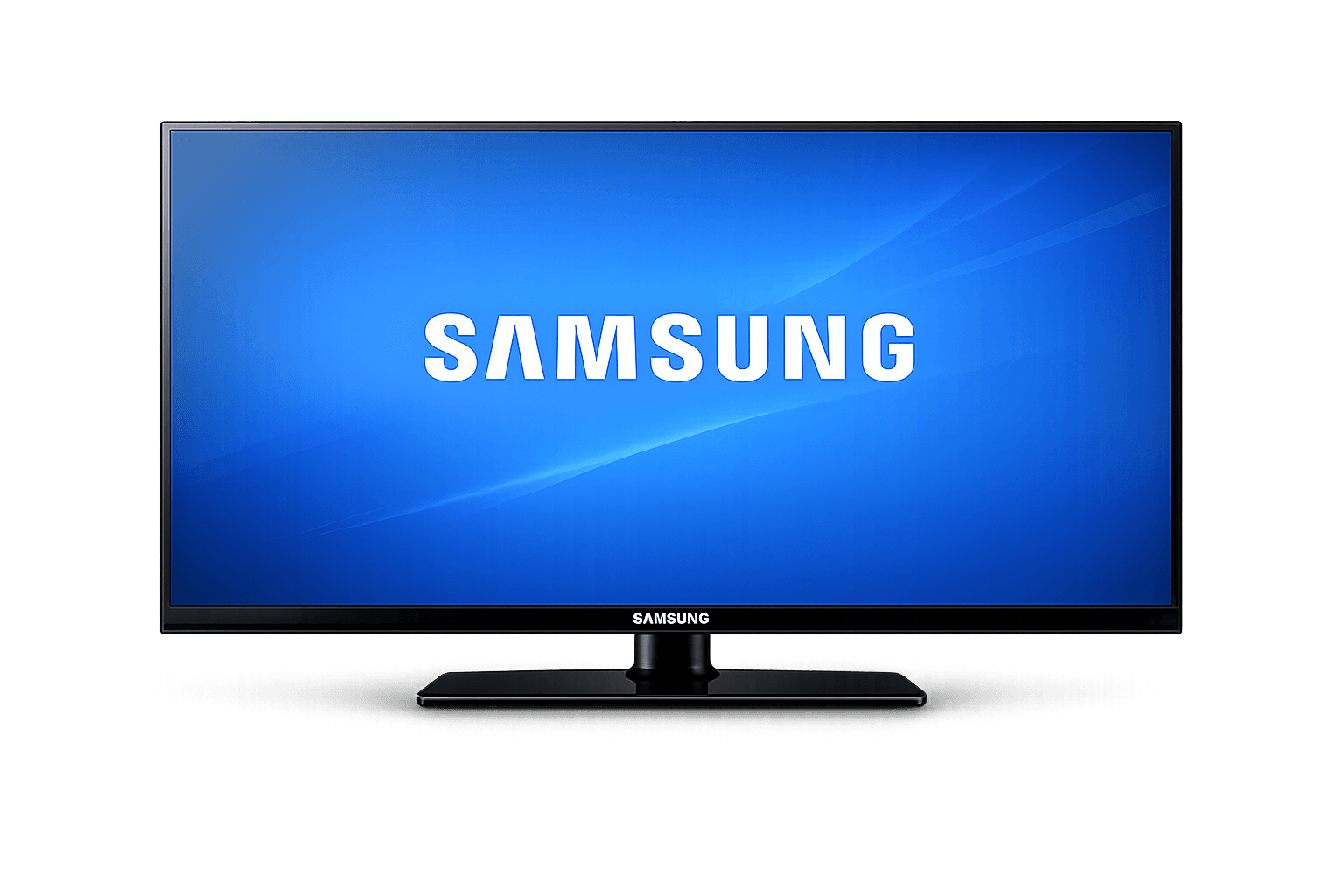
Samsung Smart TV
Convenient when a compatible IPTV player is available directly through the television platform.
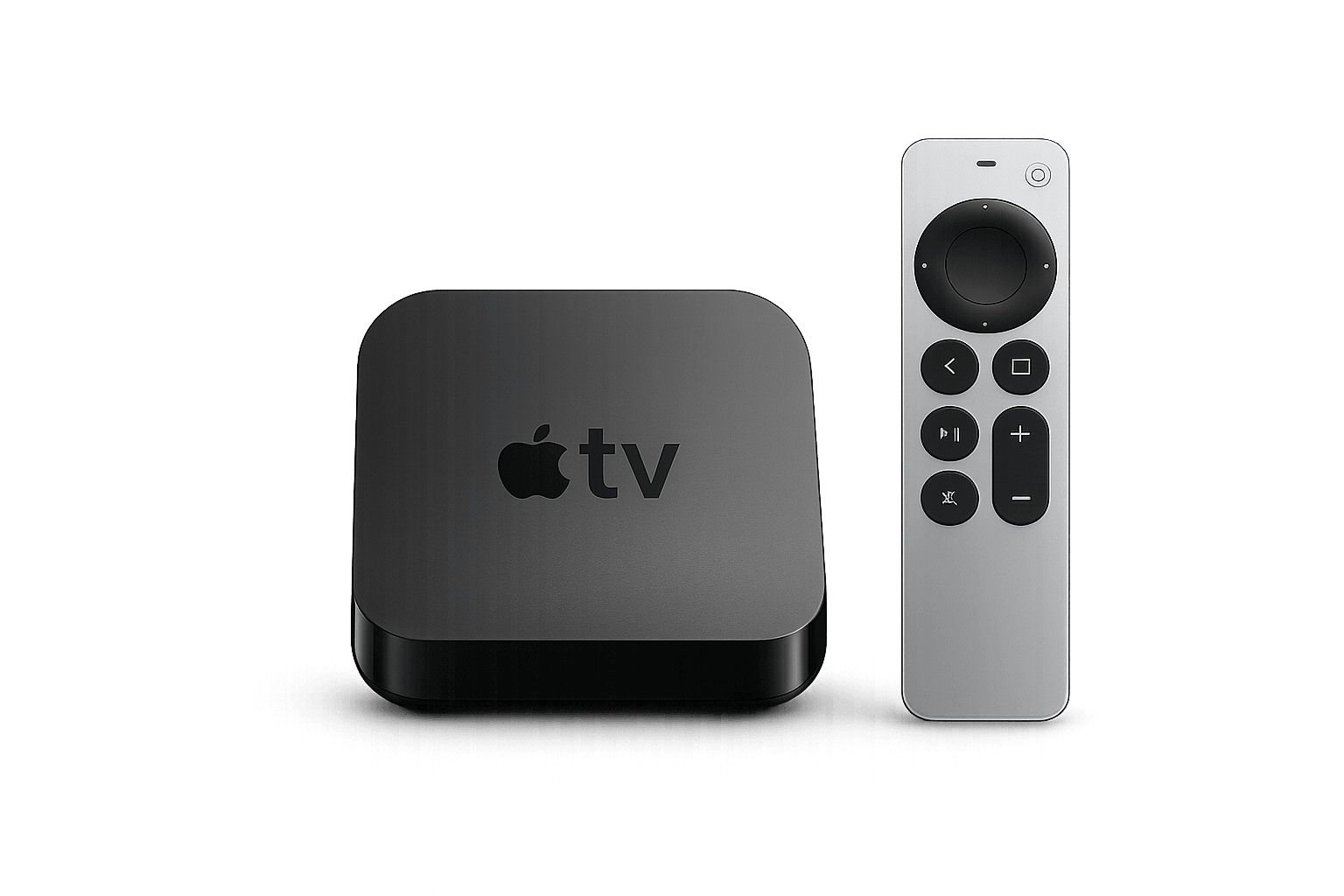
Apple TV
A polished option for households already using the Apple ecosystem and a compatible tvOS player.
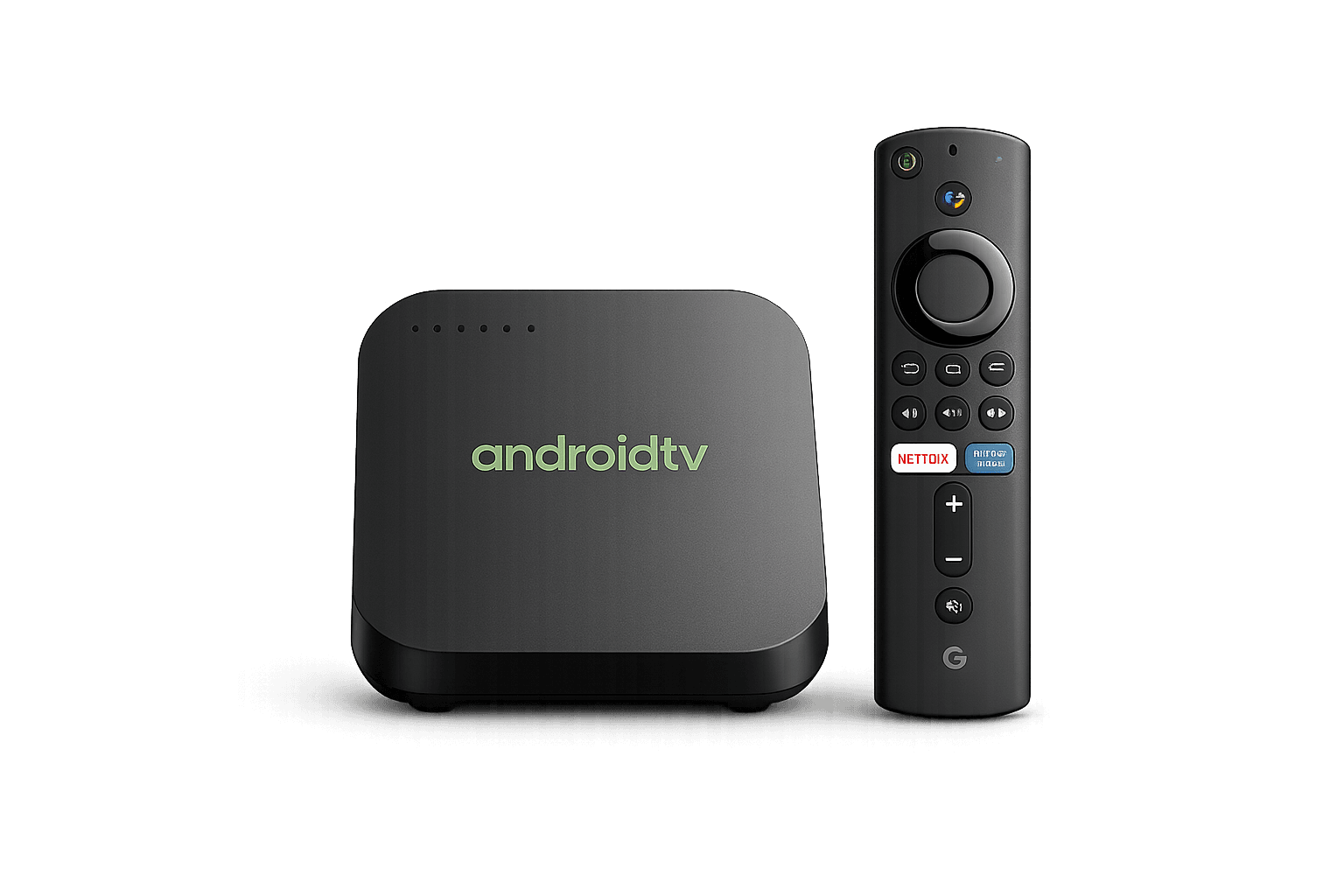
Android TV
Offers broad player flexibility across compatible televisions, streaming boxes and Google TV-style hardware.
Compare interface quality, EPG support, remote navigation and supported login formats before choosing an IPTV player.
IPTV Toronto Streaming Service FAQ
What should I check before choosing IPTV in Toronto?
Check device compatibility, the quality of the connection at your television, the content categories you actually need, EPG accuracy, total pricing, simultaneous connection limits and the availability of setup and troubleshooting support.
What timezone should IPTV use in Toronto?
Toronto uses Eastern Time. Keep the streaming device timezone correct and avoid adding manual EPG offsets until you confirm whether the problem comes from the device, player or guide source.
Is faster internet always better for IPTV?
Additional bandwidth can help, but connection stability also matters. Poor Wi-Fi signal, congestion or distance from the router can affect playback even when the internet plan has a high advertised maximum speed.
Should I test a streaming service before choosing a long plan?
Testing can help you confirm that your real television, player, home network, programme guide and normal viewing routine work as expected before making a longer commitment.
Which streaming device is best for IPTV in Toronto?
There is no single best option for every household. Fire TV offers a remote-focused experience, Smart TVs can reduce extra hardware, Apple TV fits the Apple ecosystem and Android TV offers broad player flexibility. App compatibility should be checked before choosing.
IPTV Toronto Streaming Service Checklist
Before choosing an IPTV Toronto streaming service, confirm that it fits your hardware, connection, content needs and budget rather than relying on one marketing claim.
Test Your Toronto Setup Before a Longer Commitment.
Use the television, player and home connection you actually plan to watch on. Check playback, navigation and guide accuracy before deciding whether the setup fits your household.